1. Create a new API
Click + New in the top-left of the nav. Paste the URL you want data from, describe what you need, and Parse either matches an existing API or builds a new one.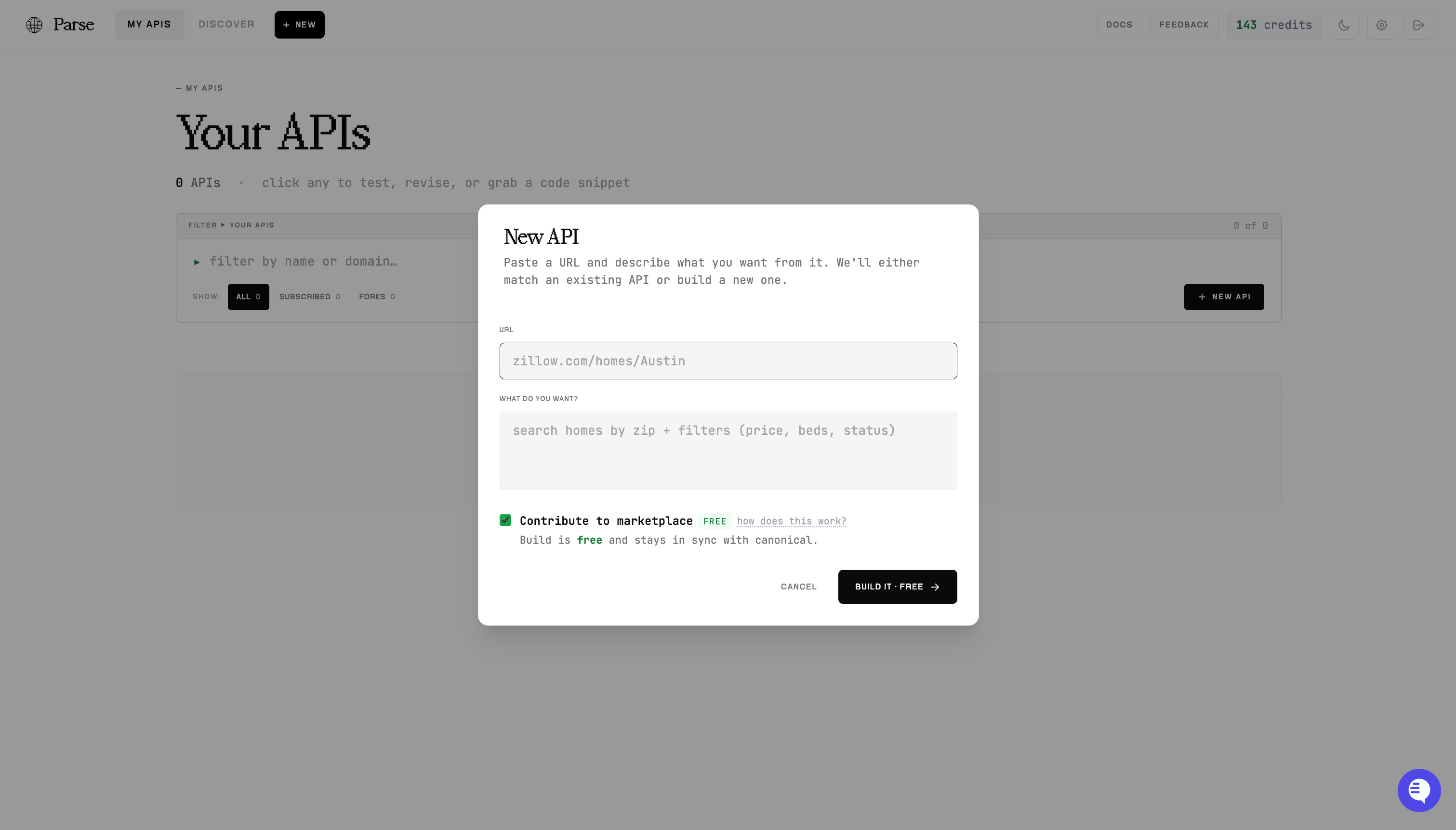
The New API dialog — paste a URL, describe the data, and build.
- On (default) — the build is free, and your API stays in sync with the canonical so you can pull upstream improvements.
- Off — a fully private, desynced API. This build is charged, and the choice is permanent.
2. Or start from an existing one
Thousands of sites are already built. Open Discover to search the marketplace and fork or subscribe to an existing API instead of building from scratch.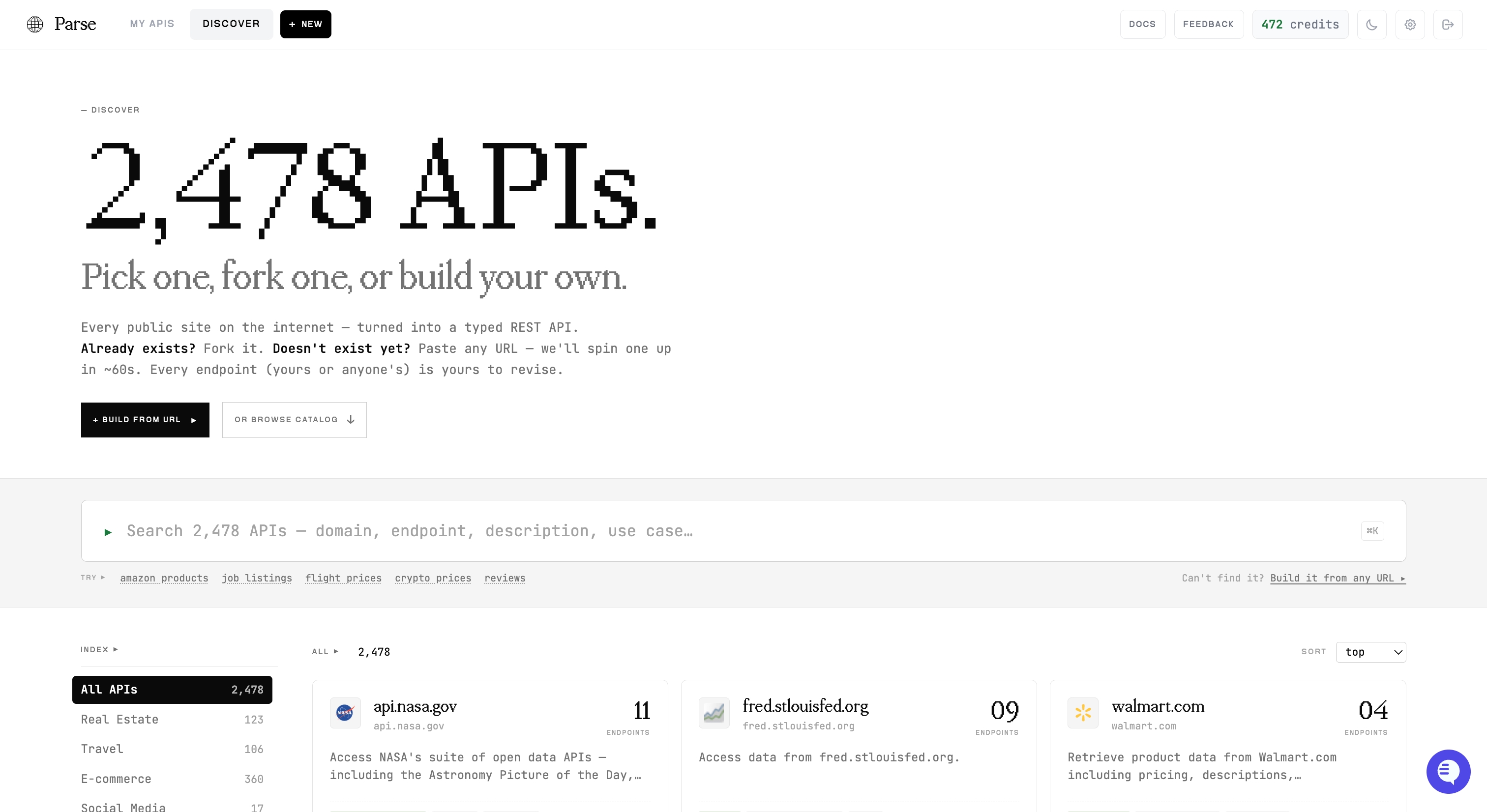
Discover — search, filter by category, and pick a pre-built API.
3. Test endpoints in the browser
Open any API to see its endpoints. Pick one, fill in the parameters, and hit Send request to run it live and see the real response — no code required. This is the quickest way to confirm an endpoint returns what you expect.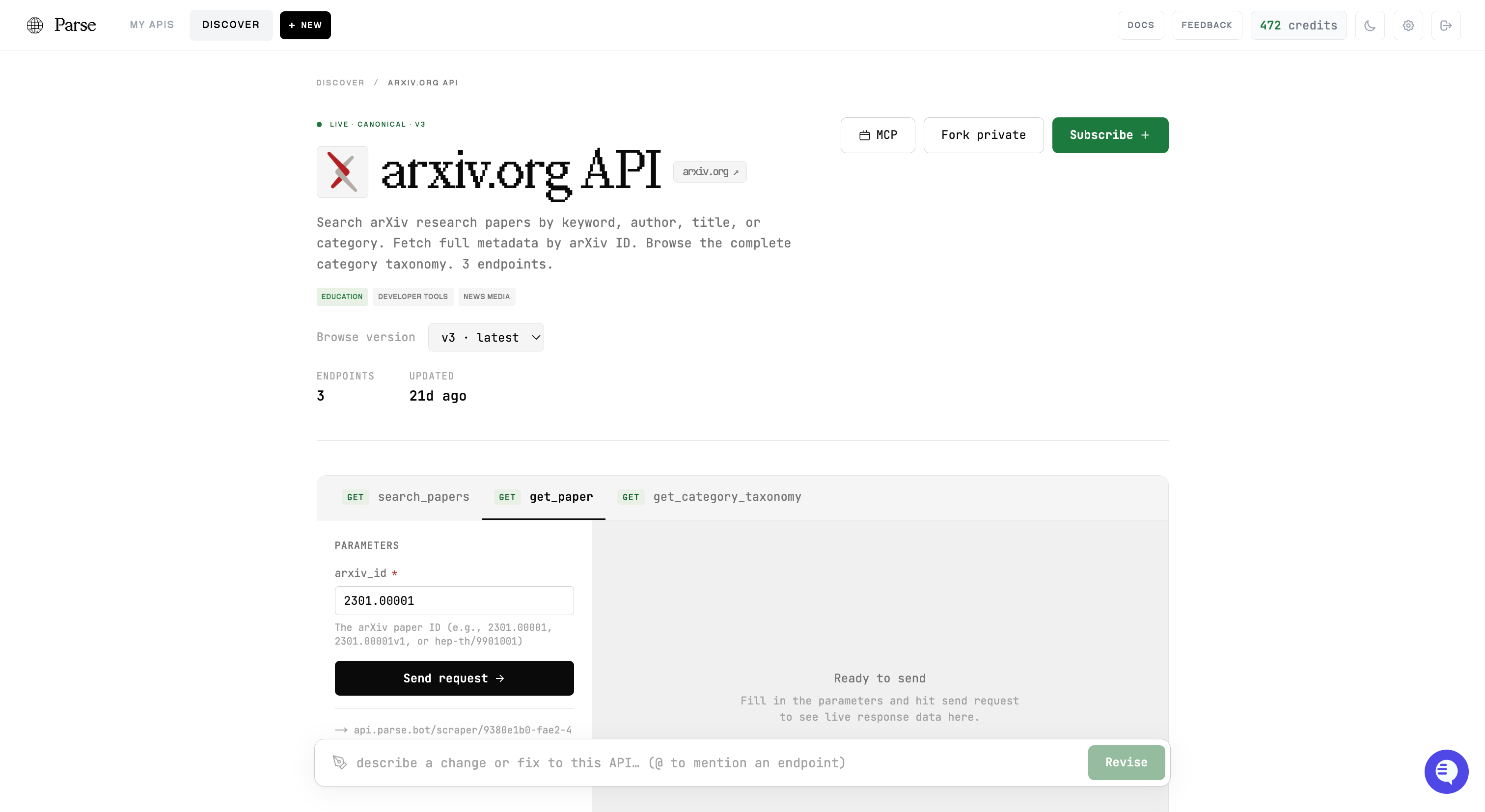
An API's detail view — choose an endpoint, fill parameters, and run it live.
4. Revise in plain English
Not quite right? Use the revision bar at the bottom of any API page. Describe the change — “add a search-by-category endpoint”, “include the publish date in get_paper” — and Parse revises the API for you. Mention a specific endpoint with@. Revisions run the same way a build does; the scraper_id stays the same.
5. Grab a code snippet
Once it works, scroll to Now plug it in. Copy a ready-to-run snippet — cURL, Python, TypeScript, an MCP config, or the OpenAPI spec — with your API’s real URL and IDs already filled in.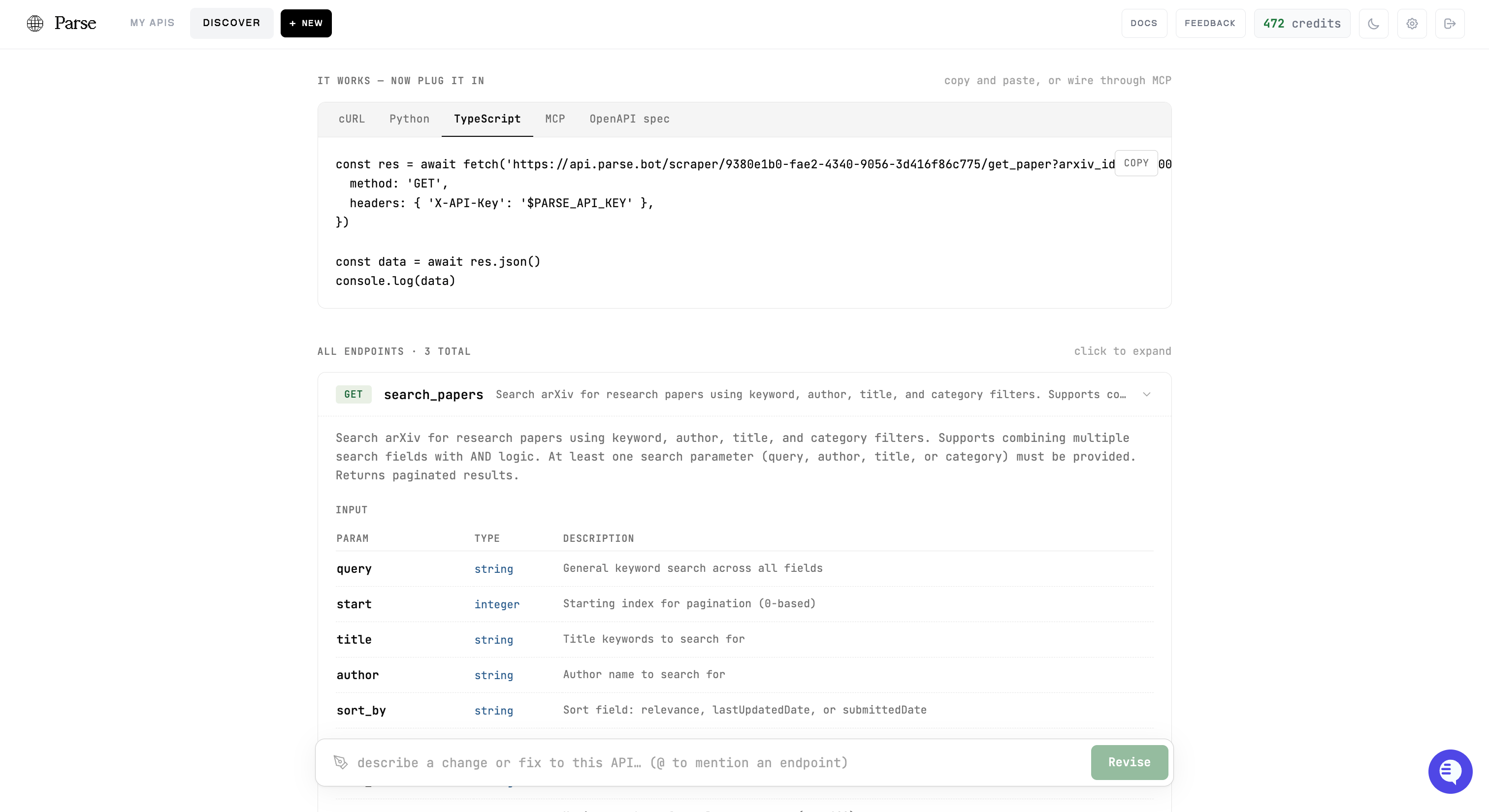
Copy a ready-to-run snippet, or wire the API through MCP.
Next steps
Quickstart
Call your endpoints from code, end to end
Code examples
Full Python & JavaScript clients
Updates
Pull upstream improvements into your API
MCP Server
Connect an AI agent to all your APIs